
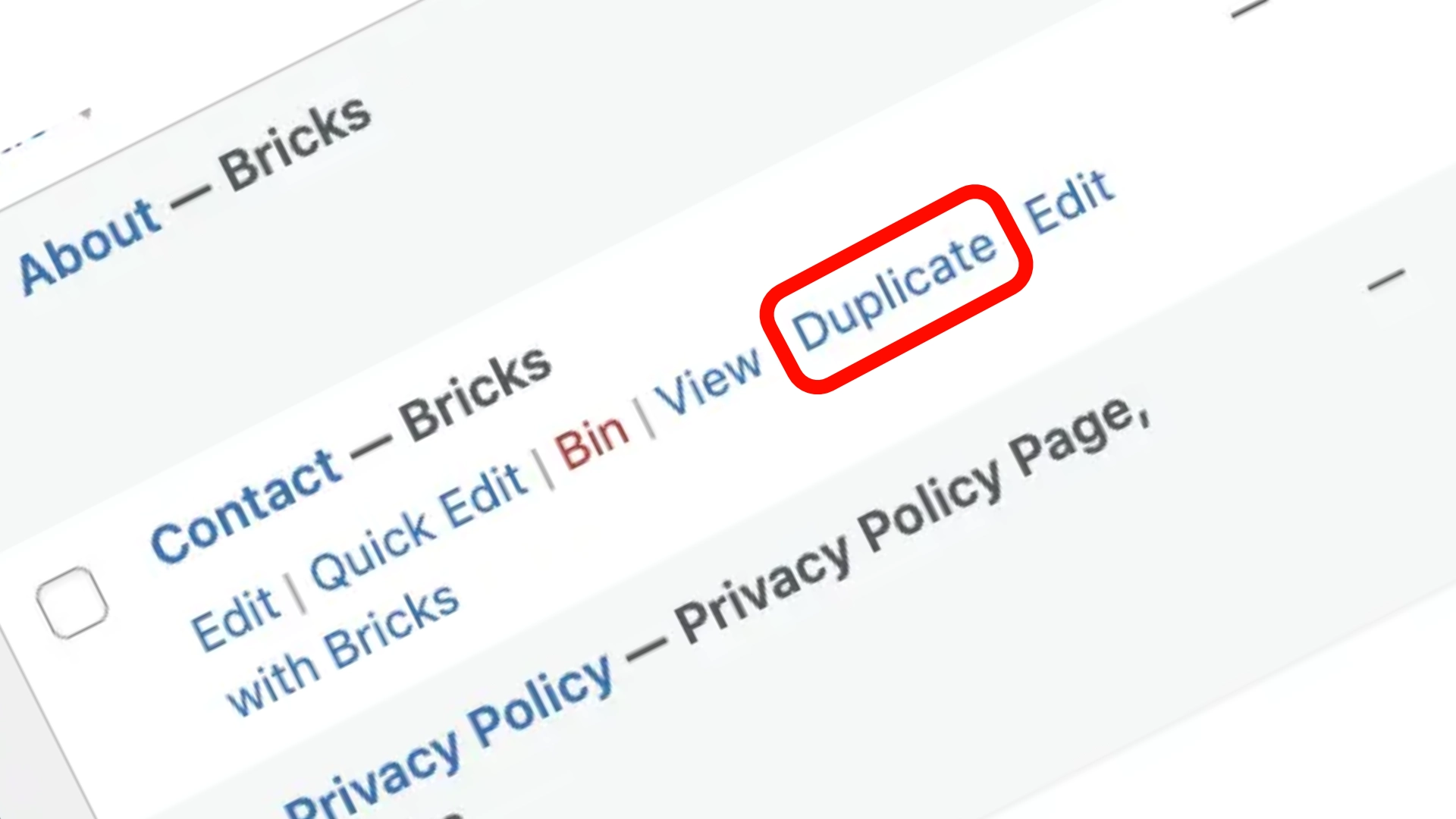
If you’ve ever rebuilt a WordPress page from scratch just to make a few small tweaks, you know how frustrating it is. You already created the perfect layout once. Why start over?
Duplicating a page creates a complete clone of everything: content, layout blocks, custom fields, images, and page settings. Here is how to clone any post or page using both simple plugins and a lightweight, zero-plugin PHP snippet.
1Why Duplicate Pages in WordPress?
Visual Consistency
Maintain uniform spacing, hero styling, and CTA blocks across multiple service pages without manual rebuilding.
Rapid Prototyping & A/B Testing
Test new sales copy, pricing experiments, or seasonal variations on a draft copy without affecting your live rankings.
Why isn’t this built into core WordPress? WordPress intentionally keeps core software lean, leaving modular features to plugins or custom functions.
2Method 1: Using a Duplication Plugin
For non-technical users, installing a reputable plugin like Duplicate Post or Yoast Duplicate Post is the fastest route:
- Go to Plugins > Add New in your WordPress dashboard.
- Search for Yoast Duplicate Post and click Install then Activate.
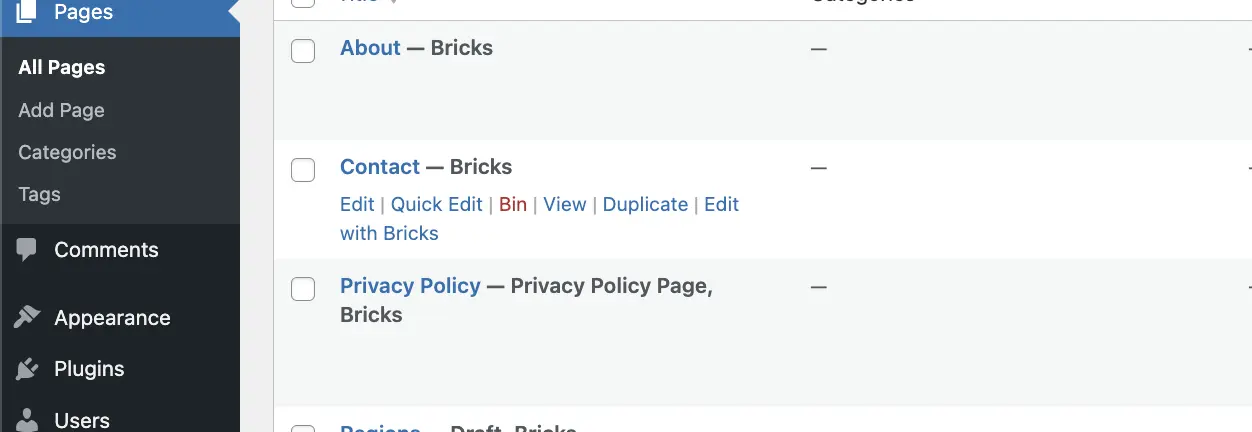
- Navigate to Pages > All Pages.
- Hover over any page title to reveal the new Clone or New Draft link.
3Method 2: Zero-Plugin Custom PHP Code
If you want to avoid plugin bloat, add this secure snippet to your child theme's functions.php file:
/* Add "Duplicate" row action to posts & pages */
function custom_duplicate_post_link($actions, $post) {
    if (current_user_can('edit_posts') && in_array($post->post_type, array('post', 'page'))) {
        $actions['duplicate'] = '<a href="' . wp_nonce_url(admin_url('admin.php?action=duplicate_post_as_draft&post=' . $post->ID), basename(__FILE__), 'duplicate_nonce') . '" title="Duplicate this item">Duplicate</a>';
    }
    return $actions;
}
add_filter('post_row_actions', 'custom_duplicate_post_link', 10, 2);
add_filter('page_row_actions', 'custom_duplicate_post_link', 10, 2);

/* Handle post duplication logic */
function custom_duplicate_post_as_draft() {
    if (!isset($_GET['duplicate_nonce']) || !wp_verify_nonce($_GET['duplicate_nonce'], basename(__FILE__))) {
        wp_die('Security check failed');
    }
    $post_id = (isset($_GET['post']) ? absint($_GET['post']) : absint($_POST['post']));
    $post = get_post($post_id);
    if ($post) {
        $args = array(
            'comment_status' => $post->comment_status,
            'ping_status'    => $post->ping_status,
            'post_author'    => get_current_user_id(),
            'post_content'   => $post->post_content,
            'post_excerpt'   => $post->post_excerpt,
            'post_name'      => $post->post_name . '-copy',
            'post_parent'    => $post->post_parent,
            'post_status'    => 'draft',
            'post_title'     => $post->post_title . ' (Copy)',
            'post_type'      => $post->post_type,
            'menu_order'     => $post->menu_order
        );
        $new_post_id = wp_insert_post($args);

        // Duplicate custom field metadata
        $post_meta_keys = get_post_custom_keys($post_id);
        if (!empty($post_meta_keys)) {
            foreach ($post_meta_keys as $meta_key) {
                $meta_values = get_post_custom_values($meta_key, $post_id);
                foreach ($meta_values as $meta_value) {
                    add_post_meta($new_post_id, $meta_key, $meta_value);
                }
            }
        }
        wp_redirect(admin_url('post.php?action=edit&post=' . $new_post_id));
        exit;
    }
}
add_action('admin_action_duplicate_post_as_draft', 'custom_duplicate_post_as_draft');
Best Practices for Duplication
- • Creating regional landing page templates
- • Launching seasonal sales pages
- • Duplicating complex case study layouts
- • Publishing exact clone copy (duplicate content penalty)
- • Accumulating abandoned draft clutter
Conclusion
Use a plugin if you prioritize speed and interface settings. Use custom code if you want full control without adding plugin dependencies. Either way, duplicating layouts accelerates your WordPress workflow while maintaining pixel-perfect design standards.