
Welcome to the world of web design with Bricks Builder. If you’re here, you are probably experiencing the same frustrating problem I faced: the heavily relied-upon cross-domain copy-and-paste feature failing to work.
In this blog post, we will delve into why the copy/paste feature faces issues in Bricks Builder and how we can troubleshoot and overcome this hurdle in both live and local development environments.
1Core Causes of Copy & Paste Failure
HTTPS Requirement & Browser Clipboard API
The modern browser Clipboard API mandates that both the source and destination pages must be accessed over secure HTTPS. Local environments like Local WP often run on plain HTTP by default, which blocks clipboard reading.
Browser-Specific Restrictions (Firefox)
Browsers like Mozilla Firefox enforce strict cross-domain clipboard isolation. Without tweaking specific permissions in about:config, clipboard access is blocked.
Outdated Bricks Builder Version
Older versions of Bricks had bugs affecting JSON serialization during copy actions. Running the latest version ensures stability.
2Troubleshooting Copy & Paste Issues
Basic Checks:
- Verify Padlock: Confirm both sites have a green padlock (HTTPS) in the URL bar.
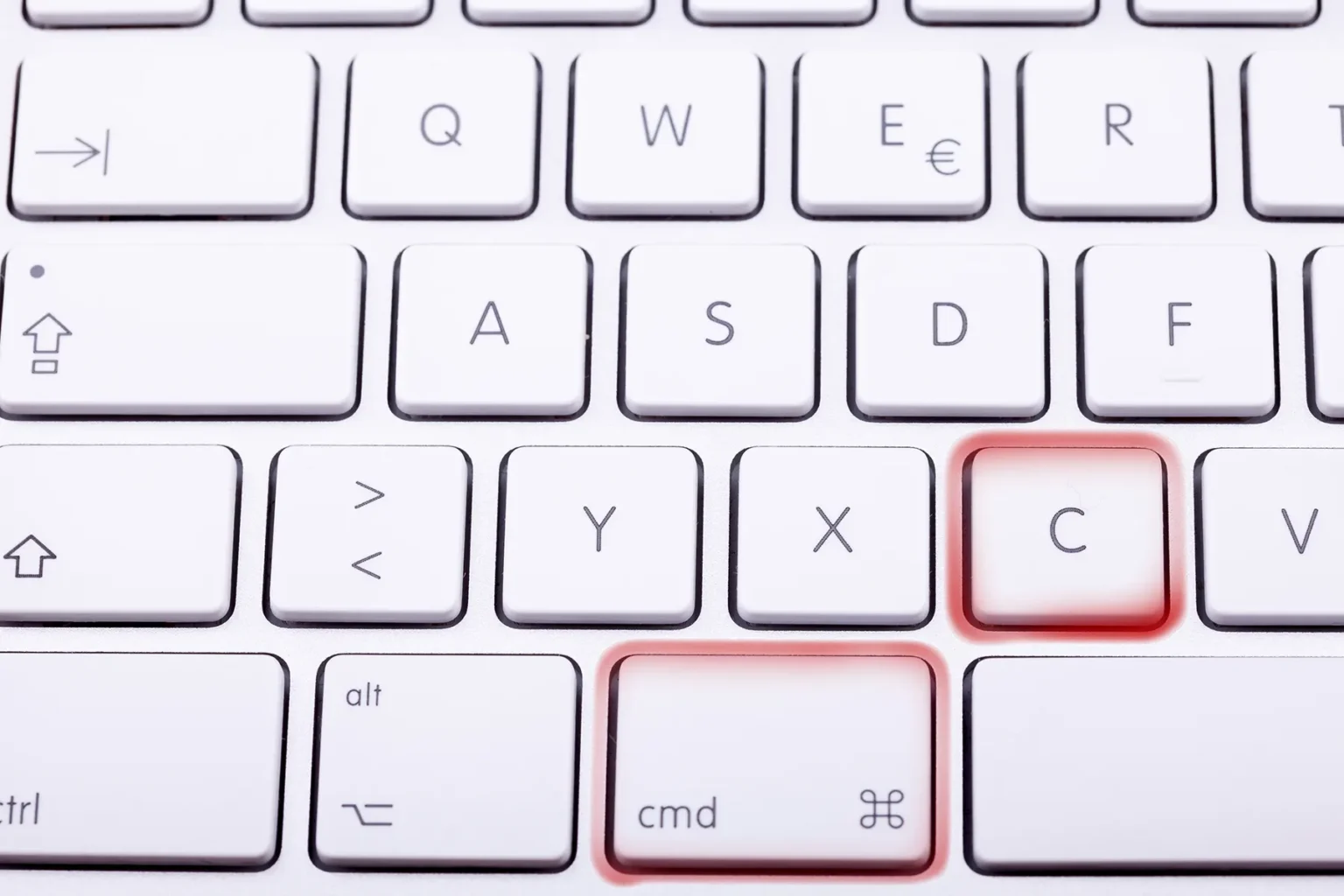
- Use Keyboard Shortcuts: Test both UI buttons and Ctrl+C / Ctrl+V (or Cmd+C / Cmd+V on Mac).
- Disable Conflicting Extensions: Temporarily disable password managers or script blockers that might intercept clipboard events.
Firefox Browser Fix:
1. Open a new tab and type about:config.
2. Click Accept the Risk and Continue.
3. Search for dom.events.asyncClipboard.readText and set to true.
4. Search for dom.events.testing.asyncClipboard and set to true.
5. Restart Firefox and test your copy/paste action.
3Enabling HTTPS on Local Development (Local WP)
To ensure the Clipboard API works seamlessly during local development on Mac or Windows:
For Mac Users:
- Open Local WP and navigate to your site’s Overview tab.
- Under SSL, click the Trust button.
- When prompted by macOS, enter your admin password and select Always Trust.
- Access your site via
https://site.local.
For Windows Users:
- In Local WP, trust the SSL certificate under Site Overview.
- If not trusted automatically, import the
localhost.crtfile into the Trusted Root Certification Authorities store via Windows Certificate Manager (certmgr.msc). - Restart your browser and access via HTTPS.
Conclusion
The cross-domain copy-and-paste feature in Bricks Builder is an enormous time saver. By ensuring both environments are served securely over HTTPS, configuring browser permissions, and keeping your builder updated, you can restore full copy/paste functionality and streamline your WordPress workflow.