
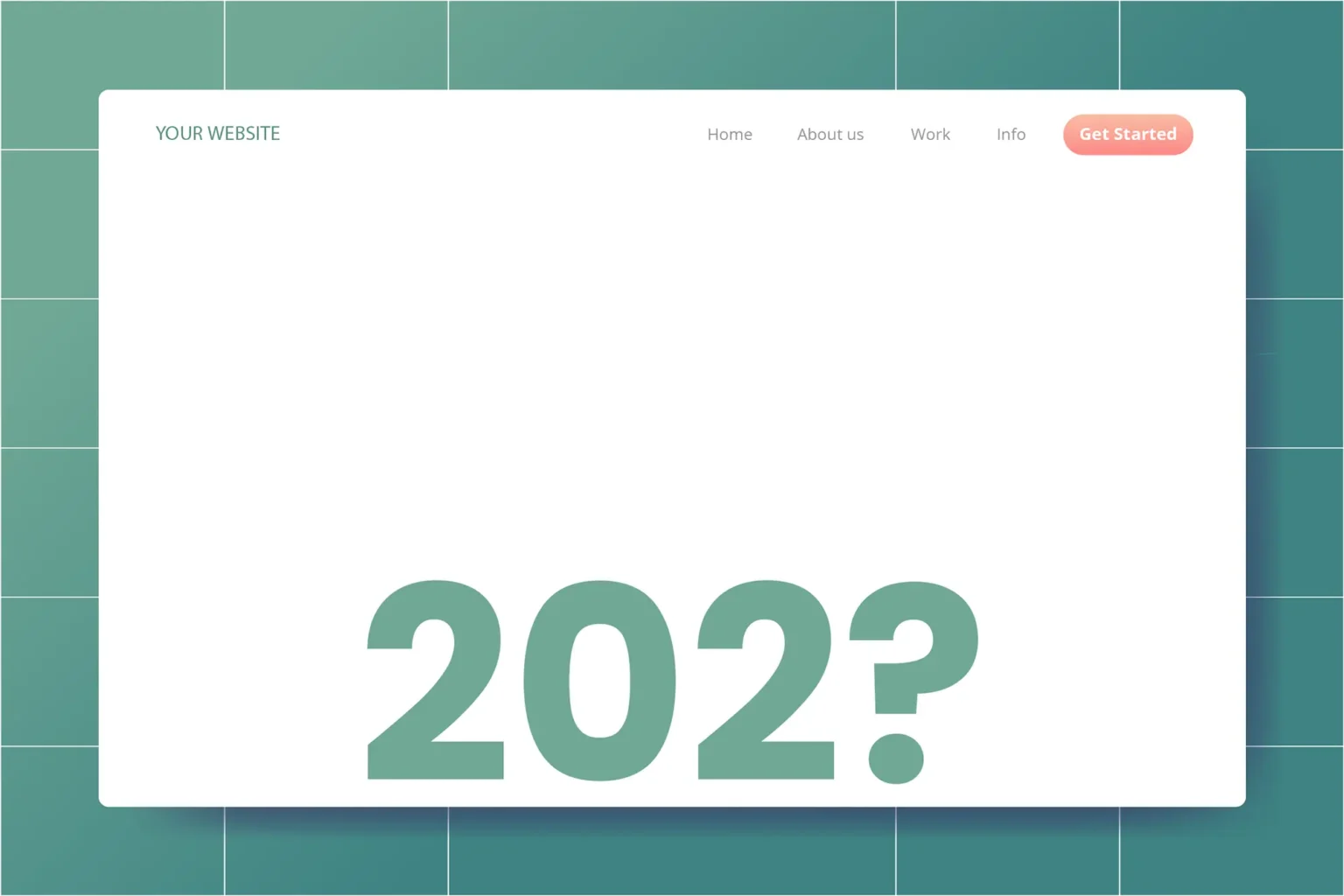
Adding the correct copyright year in your website’s footer is vital for accuracy, professionalism, and customer trust. It immediately signals to visitors that your business is active and consistently maintained. An outdated year (like displaying 2021 or 2023 in 2025) gives the impression of neglect, which harms brand credibility and conversions.
Automating this small detail saves countless hours. As freelance web designers managing dozens of client sites or ongoing maintenance contracts, using an automated script eliminates manual checks every January 1st.
1WordPress Solutions
Using PHP in WordPress footer.php
In your theme’s footer.php file, output the current year based on your WordPress timezone settings:
© <?php echo current_time('Y'); ?> Your Company Name. All rights reserved.WordPress Shortcodes & Plugins
Many block themes support dynamic shortcodes such as { current_date:Y }, or you can install a lightweight plugin like Auto Copyright Year Updater if you don't have direct code access.
2Standard HTML, JavaScript & PHP
Vanilla JavaScript (Client-side)
Works on any static HTML site without backend requirements using the JavaScript Date Object:
<footer>
  <p>© <span id="copyright-year"></span> Your Company Name</p>
</footer>

<script>
  document.getElementById('copyright-year').textContent = new Date().getFullYear();
</script>
Standard Server-Side PHP
Renders directly into the initial HTML response via the PHP date() function:
© <?php echo date("Y"); ?> Your Company Name3Modern Framework Snippets
React / Next.js / Astro
const year = new Date().getFullYear();
return <footer>© {year} Your Company Name</footer>;
Vue.js / Nuxt
<template>
  <footer>© {{ new Date().getFullYear() }} Your Company Name</footer>
</template>
Best Practices for Copyright Notices
- ✓Use Year Ranges for Established Businesses: If your company was founded in 2015, display
© 2015–{current_year}to demonstrate long-standing business history and trust. - ✓Legal Entity Name: Always list your exact legal trading or registered business name.
- ✓Policy Links: Pair the copyright line with links to your Privacy Policy and Terms of Service.