
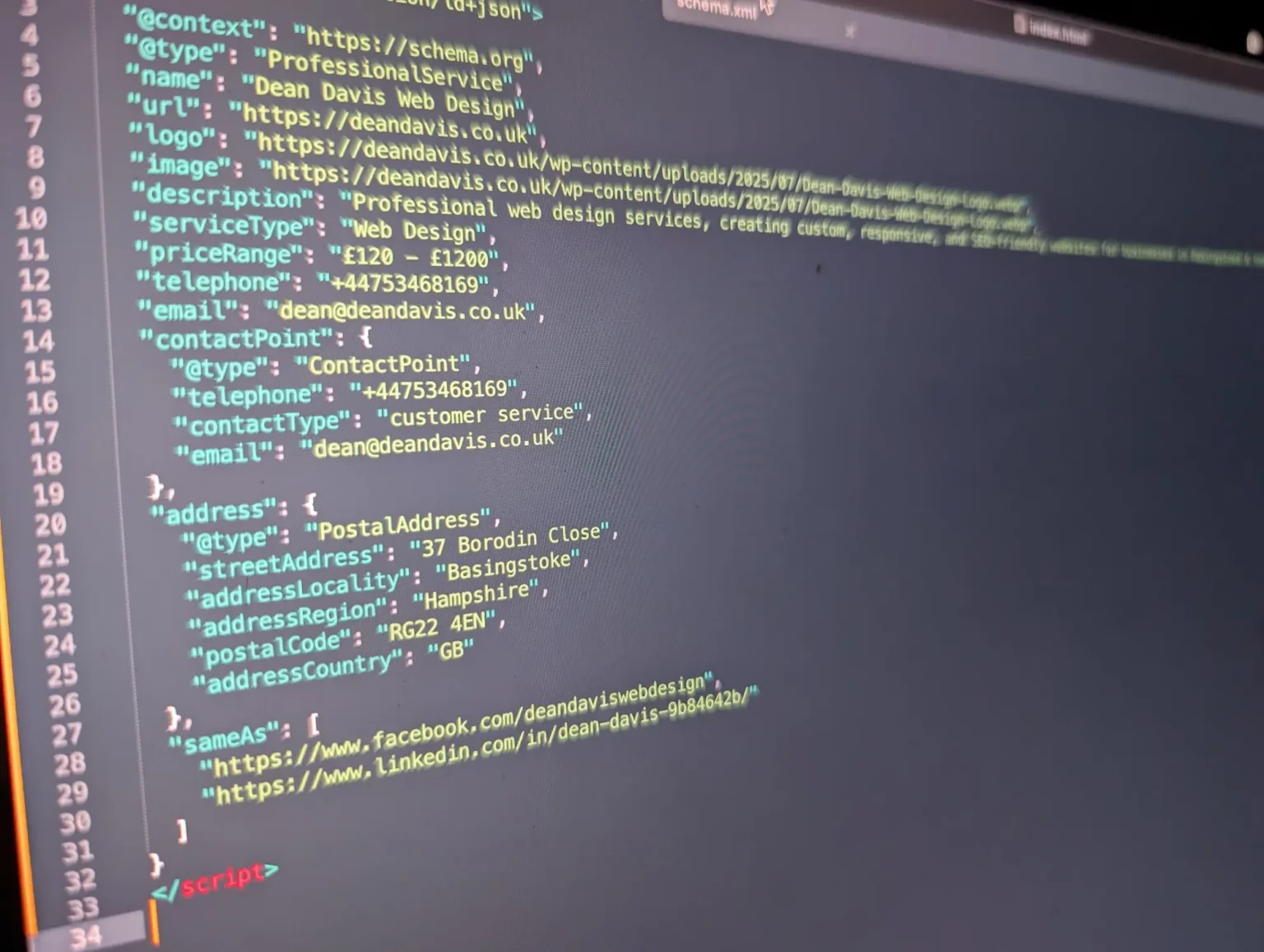
As a freelance web designer, implementing schema markup for my clients is one of the most cost-effective ways to boost their website’s search visibility.
Schema markup is a type of structured data that communicates directly with search engines, translating your human-readable content into unambiguous machine code. Below, I’ll walk you through what schema markup is, why I implement it on every client project, and the best techniques—both manual and plugin-based—for adding schema to WordPress websites today.
1What is Schema Markup & Why is it Essential?
Schema markup uses standardized vocabulary (primarily in JSON-LD format) added into your HTML headers. It explicitly informs Google whether a URL represents a local service company, an author, a physical product, a FAQ, or an upcoming event.
Rich Search Snippets
Earn star review ratings, pricing badges, and expandable FAQ accordions directly within Google search results.
Higher Click-Through Rates (CTR)
Eye-catching rich snippets capture significantly more user attention, dramatically improving click-throughs compared to plain blue links.
Local SEO Dominance
Provides verified opening hours, geographic coordinates, phone numbers, and service areas for local map packs.
Knowledge Panel Authority
Links verified social profiles and official corporate entities together into Google's Knowledge Graph.
2How To Add Schema in WordPress
Option A: Using Schema Plugins
Plugins like AIOSEO, Yoast SEO, and Schema Pro automatically output baseline organization and article schemas.
Option B: Adding Schema Manually with PHP (Zero Bloat)
For maximum speed and custom control, inject JSON-LD directly into functions.php using the wp_head action:
function add_custom_local_business_schema() {
    if ( is_front_page() ) {
        ?>
        <script type="application/ld+json">
        {
          "@context": "https://schema.org",
          "@type": "ProfessionalService",
          "name": "Dean Davis Web Design",
          "url": "https://deandavis.co.uk",
          "image": "https://deandavis.co.uk/img/Dean-Davis-Web-Design.webp",
          "description": "Bespoke web design and SEO services in Basingstoke.",
          "telephone": "+44753468169",
          "address": {
            "@type": "PostalAddress",
            "streetAddress": "37 Borodin Close",
            "addressLocality": "Basingstoke",
            "addressRegion": "Hampshire",
            "postalCode": "RG22 4EN",
            "addressCountry": "GB"
          }
        }
        </script>
        <?php
    }
}
add_action( 'wp_head', 'add_custom_local_business_schema' );3Common Schema Types & Best Locations
| Schema Type | Best For | Where to Place |
|---|---|---|
| LocalBusiness | Local agencies, trades & storefronts | Homepage, About, & Contact pages |
| Article / BlogPosting | Editorial articles & news | Single blog post templates |
| FAQPage | Q&A accordions & tutorials | Service pages with FAQ sections |
| Product / Review | E-commerce products & ratings | Product single pages & case studies |
4Testing & Validating Your Schema
Always validate your structured data after adding code using official testing tools:
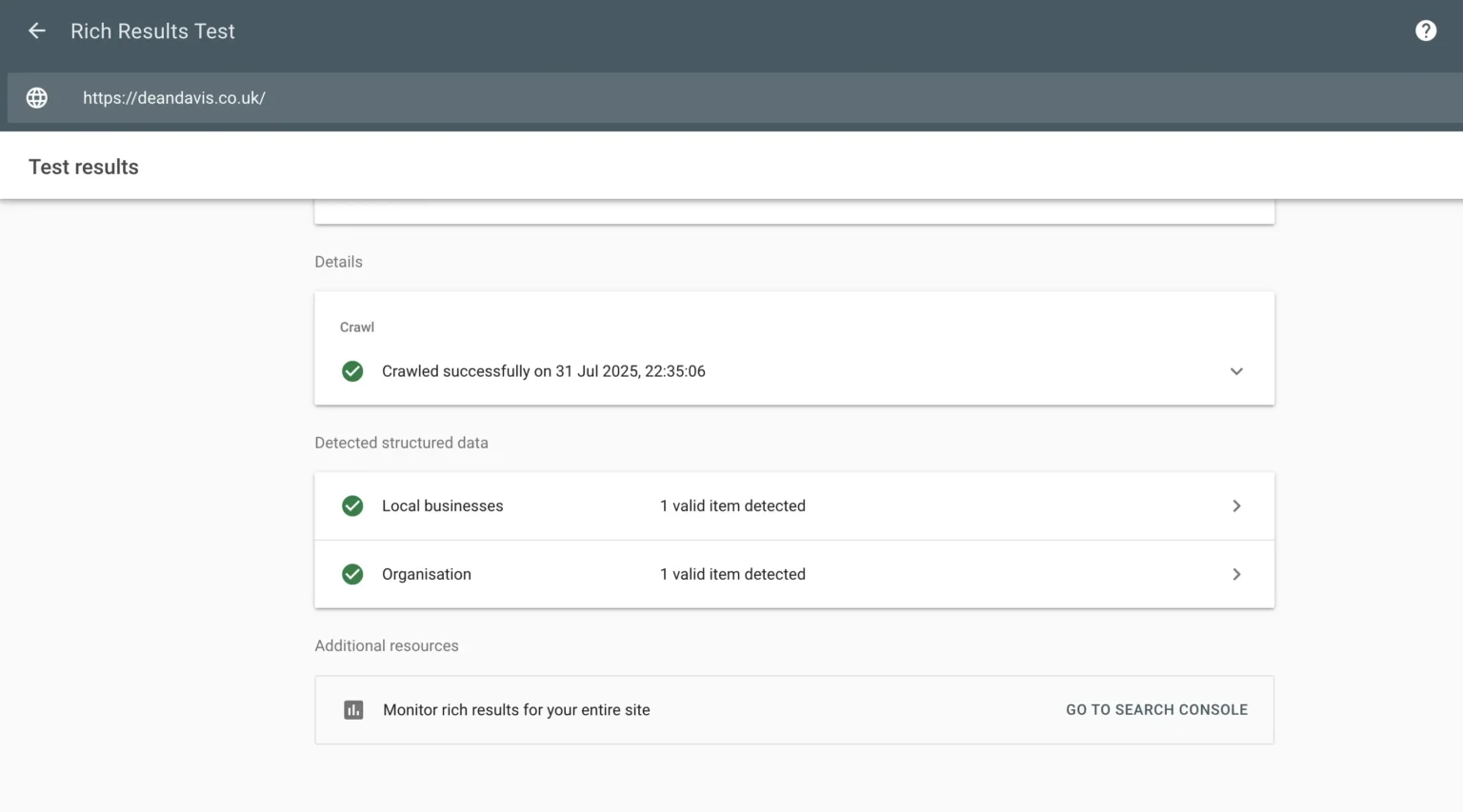
- Google Rich Results Test: Verifies if your page is eligible for Google SERP enhancements.
- Schema.org Validator: Inspects JSON-LD syntax for missing required entity properties.
Conclusion
Implementing structured data gives your business an immediate organic advantage. It builds credibility, wins rich snippets, and guides Google straight to your services.